

Wireless Veterinary Ultrasound with Color Doppler for Cattle and Horses
£3,737.50 GBP
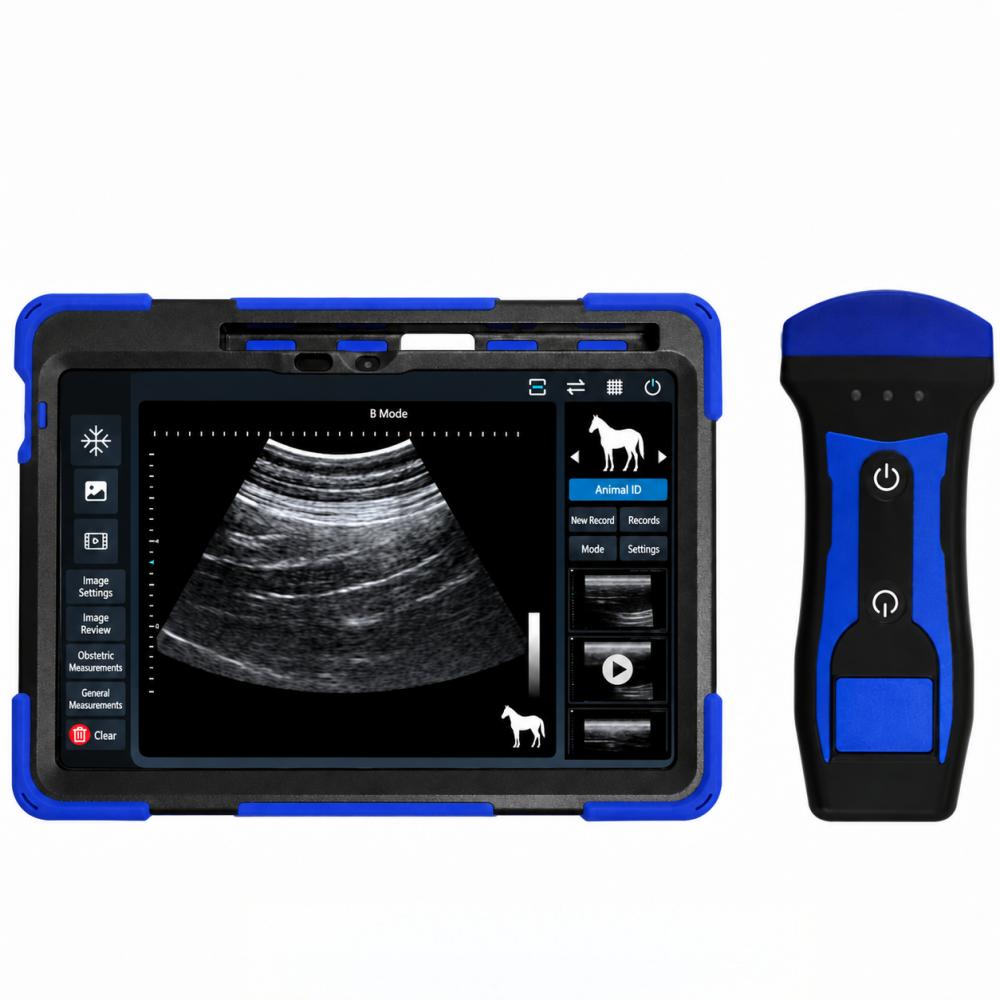
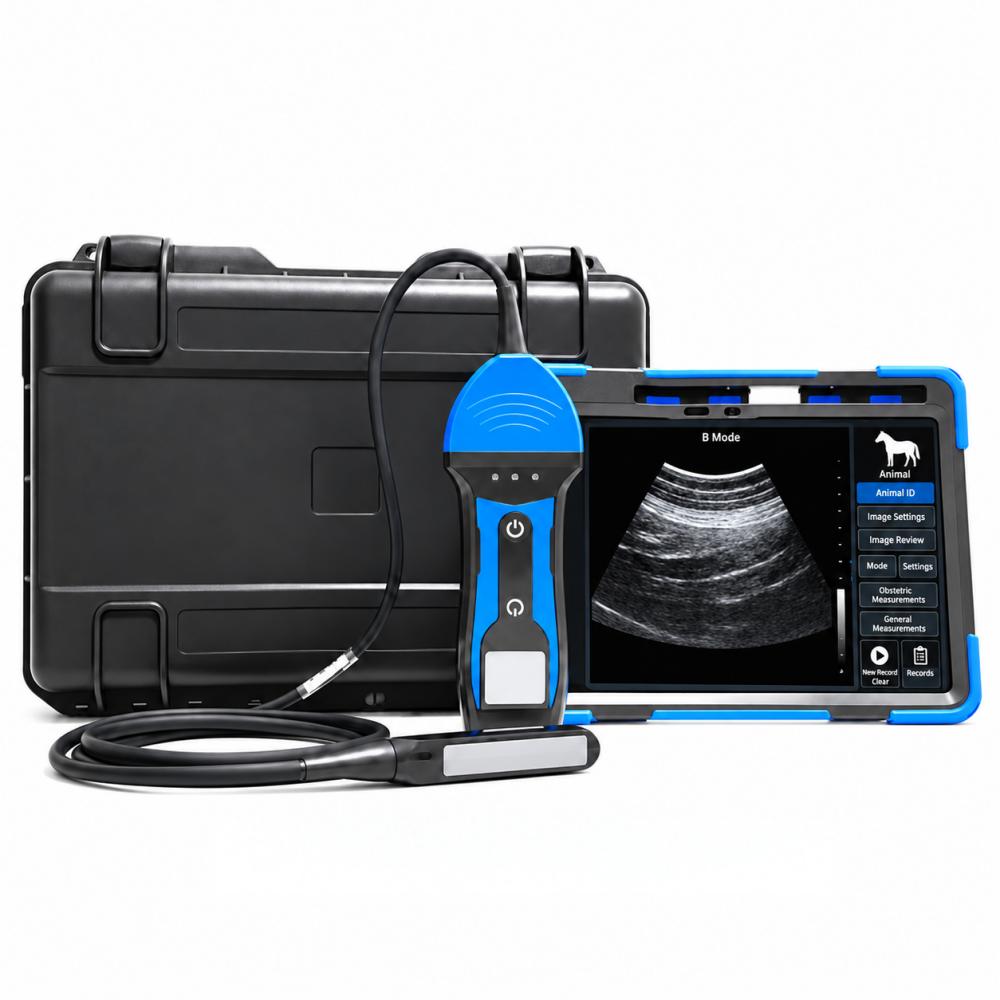
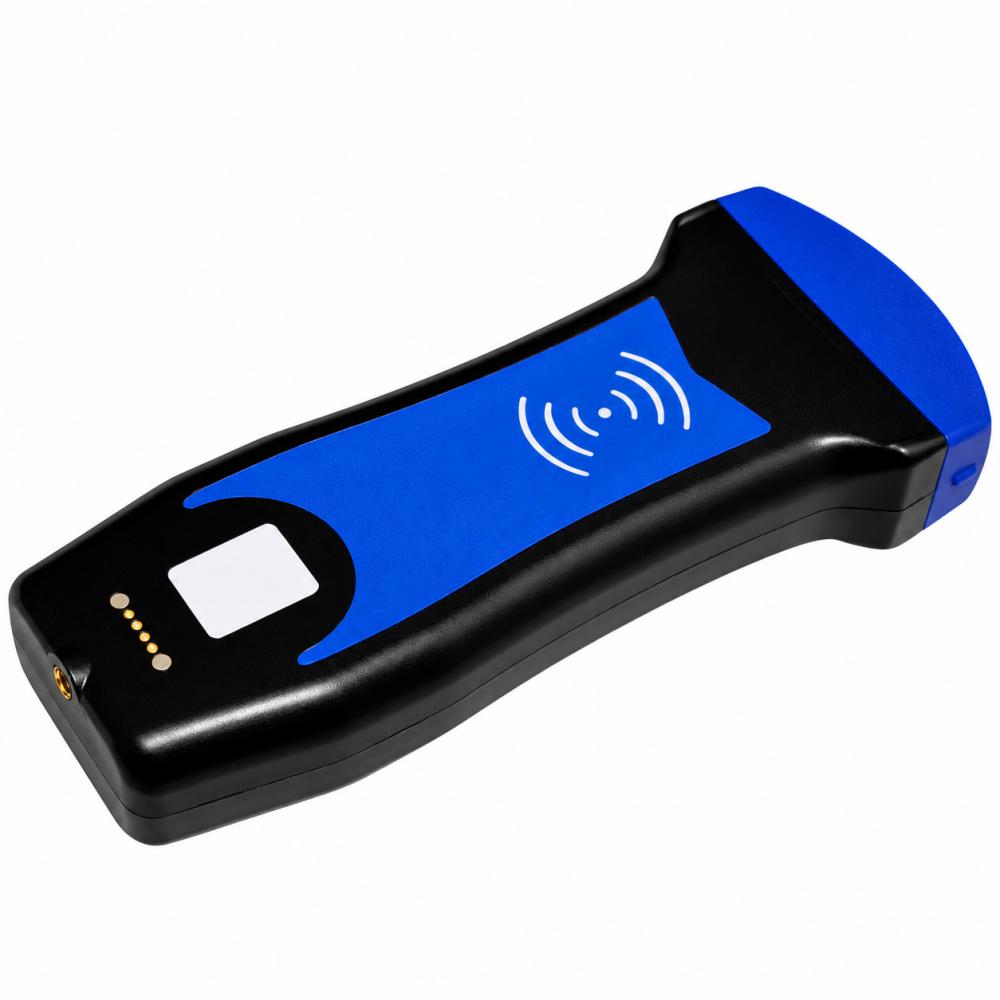
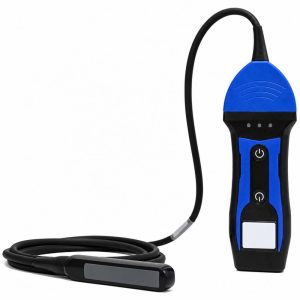
Perform reproductive ultrasound examinations in cattle, horses and donkeys with a portable color Doppler system and fixed rectal linear probe. View scans on the included tablet, supplied with the app installed and tested, through a direct Wi-Fi connection that works without internet access. B, M, CF, PDI and PW modes support anatomical imaging, motion display and Doppler assessment. Save images, review recorded clips and organize examinations by animal ID. Designed for users trained in transrectal scanning and ultrasound interpretation; the probe connects to the scanner by cable.
- Rectal linear probe
- Tablet included
- Five imaging modes
- No app subscription
Description
Product Details
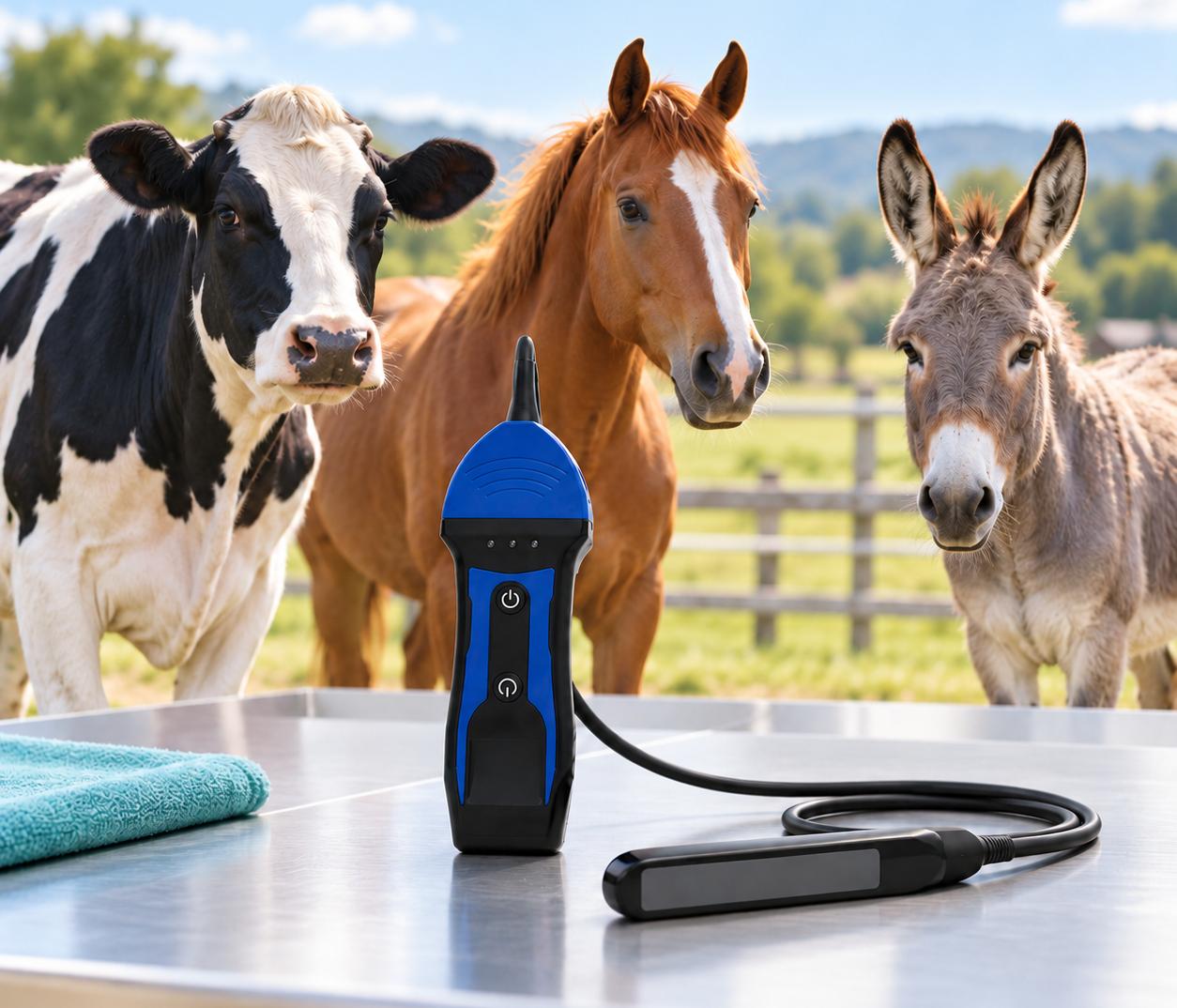
For reproductive examinations
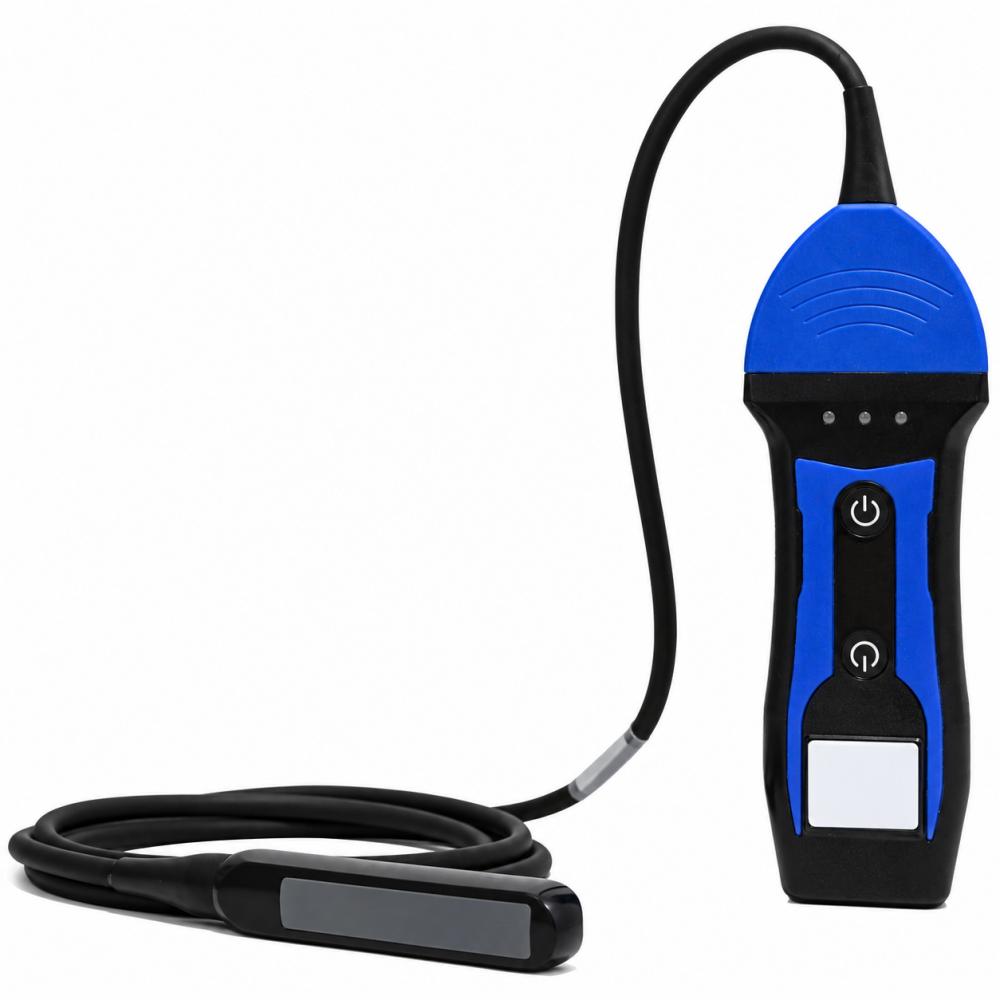
The supplied rectal linear probe is intended for transrectal examinations in cattle, horses and donkeys, including pregnancy assessment and observation of the ovaries and uterus. Select equipment by animal and examination route.
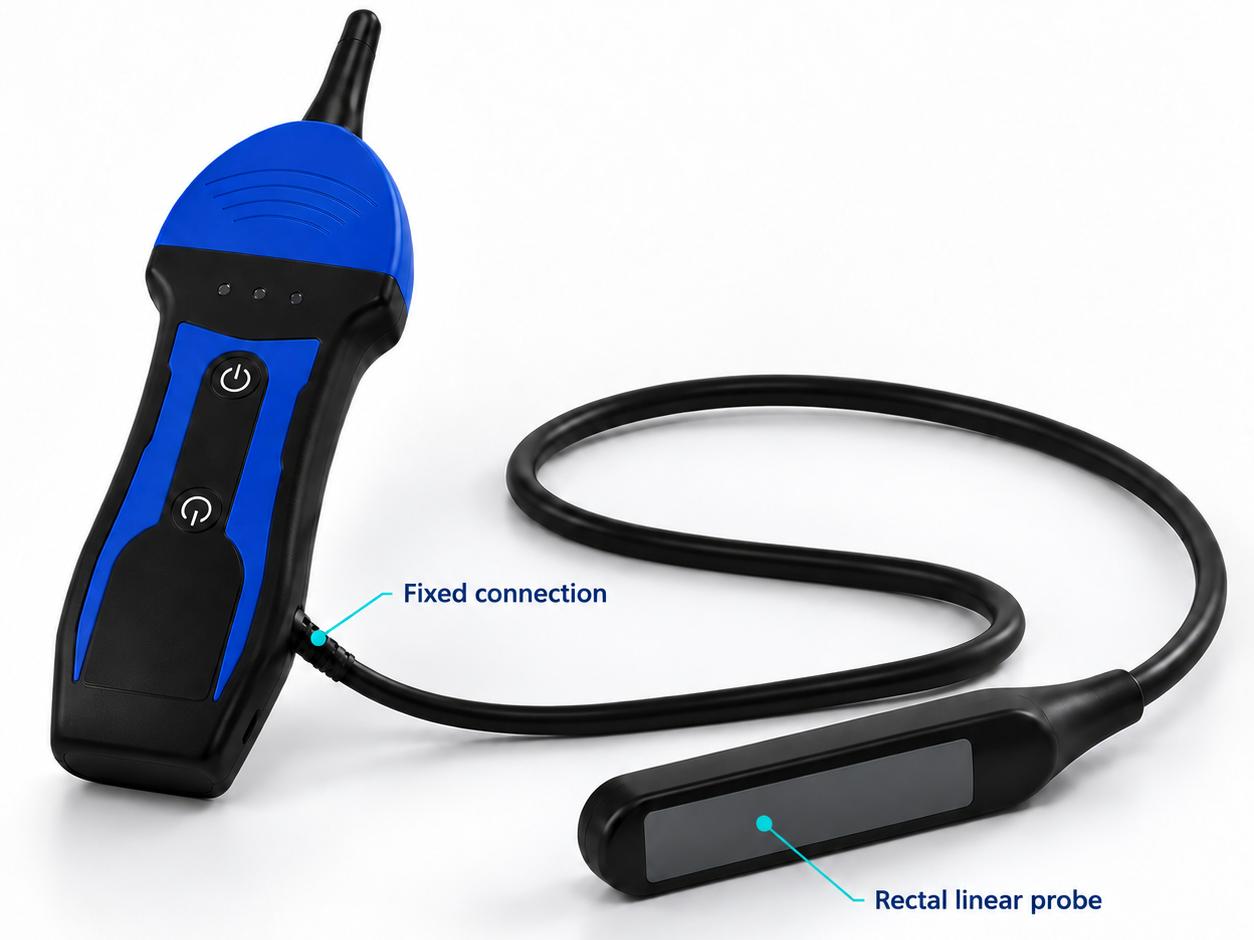
A fixed-probe system
The probe is permanently connected to this scanner. It is not an interchangeable-probe platform, and selecting another animal in the app does not change the physical probe or its suitable applications.
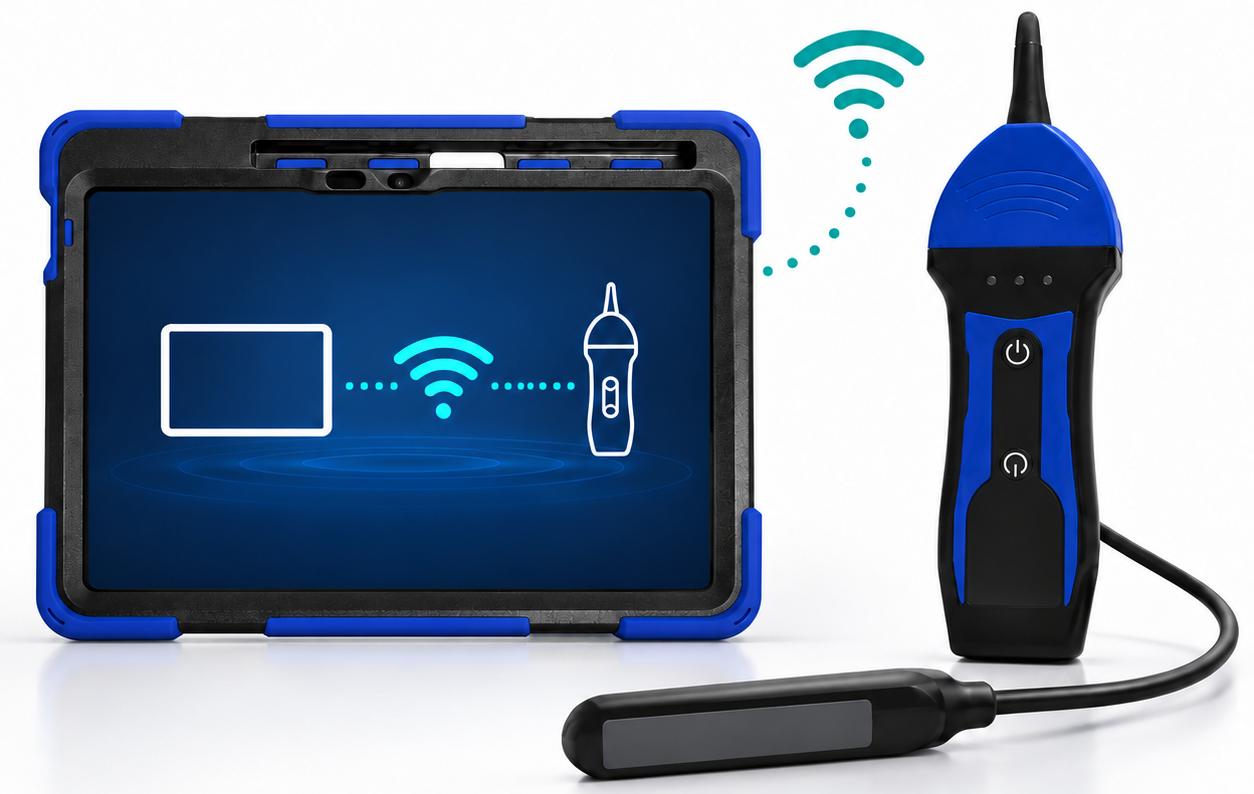
A tablet is part of the kit
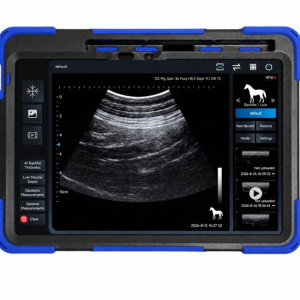
The included tablet arrives with the app installed and tested. The scanner sends images directly to the display over Wi-Fi; a farm router, mobile data plan or internet connection is not needed for scanning.
Key Features
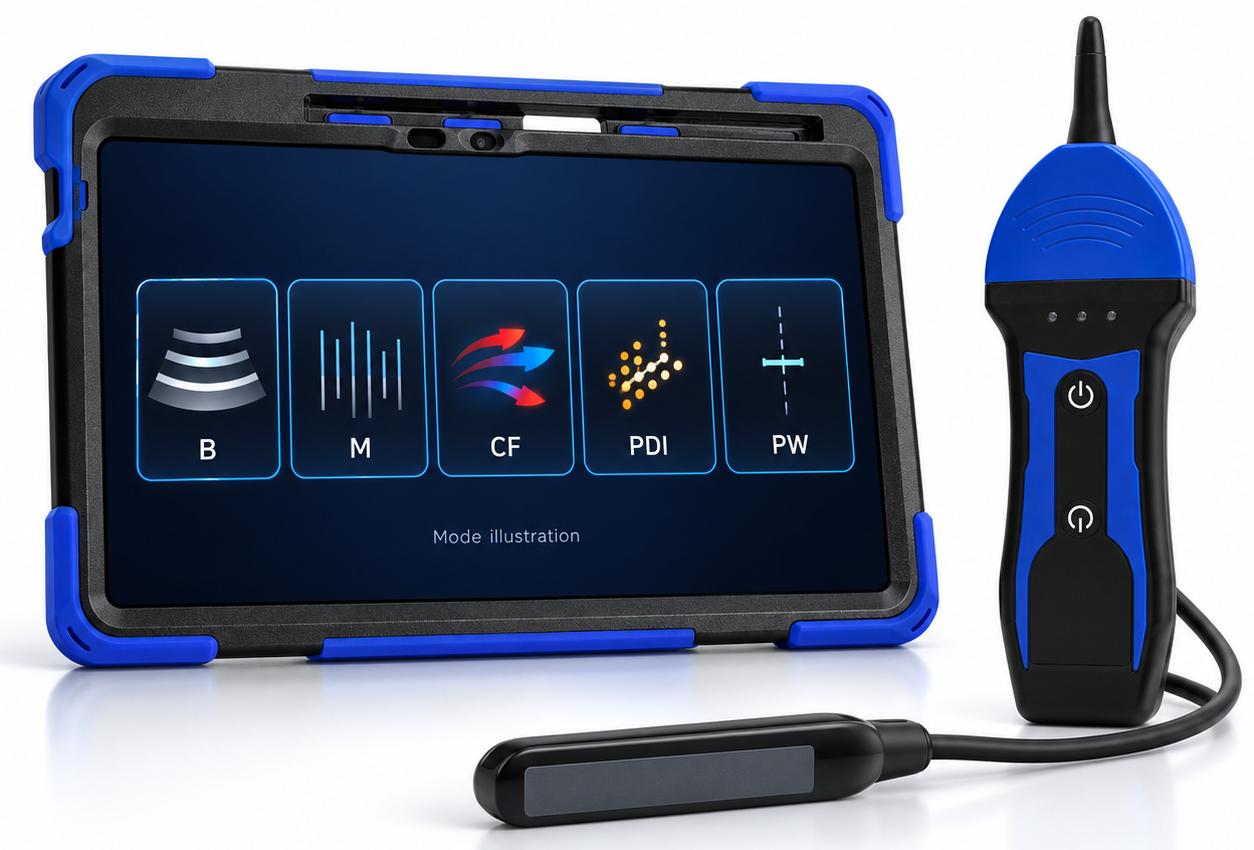
Anatomy, motion and Doppler in one system
Use B mode for grayscale anatomy, M mode for motion over time, and CF, PDI or PW for Doppler assessment. Choose the mode and acquisition settings to suit the examination.
Direct Wi-Fi Connection
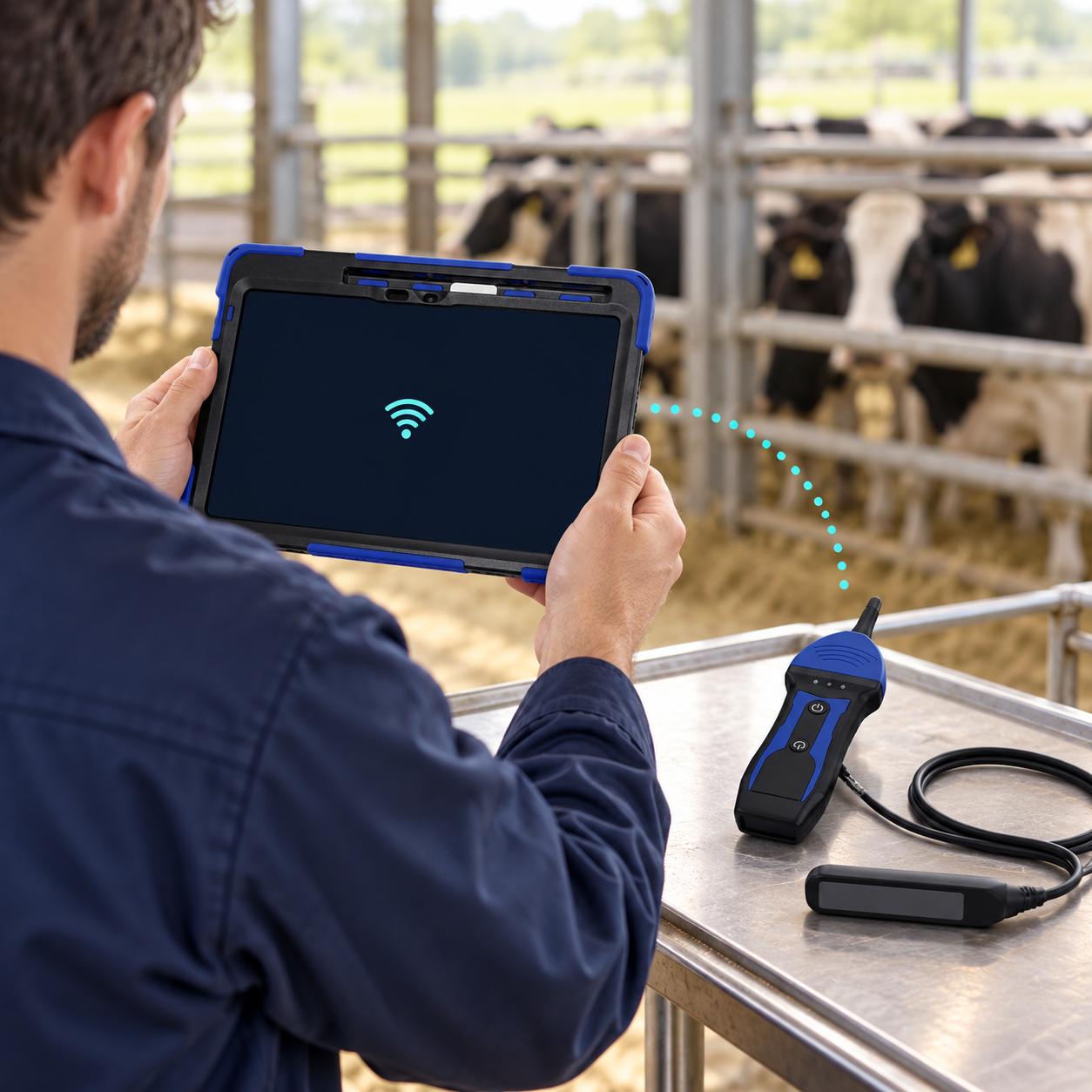
The scanner creates its own local Wi-Fi network, allowing the included tablet to receive ultrasound images directly. Position the tablet where it is easy to view—no router, mobile data or internet connection is required.
A 350 g scanner and probe
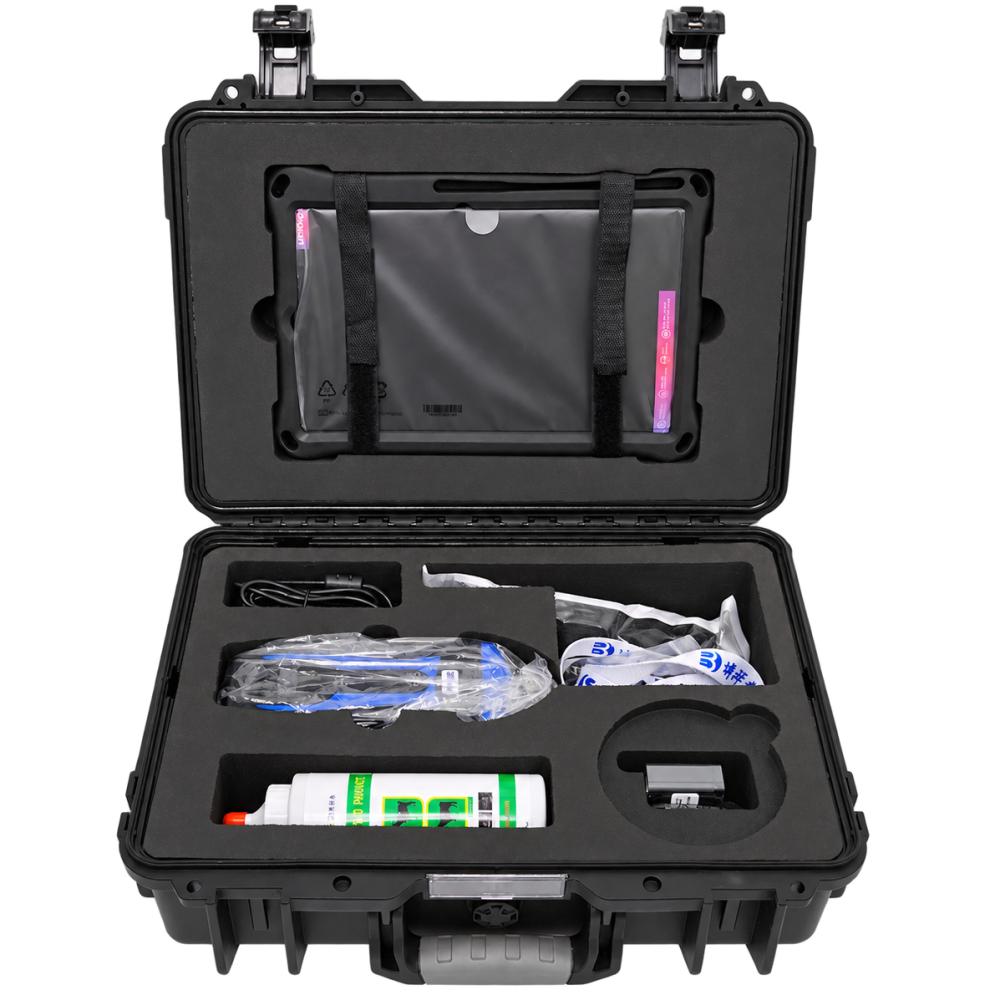
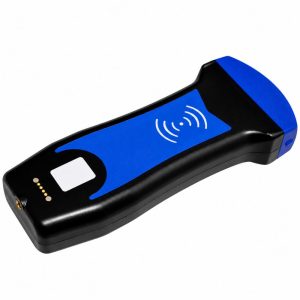
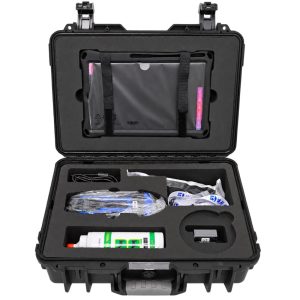
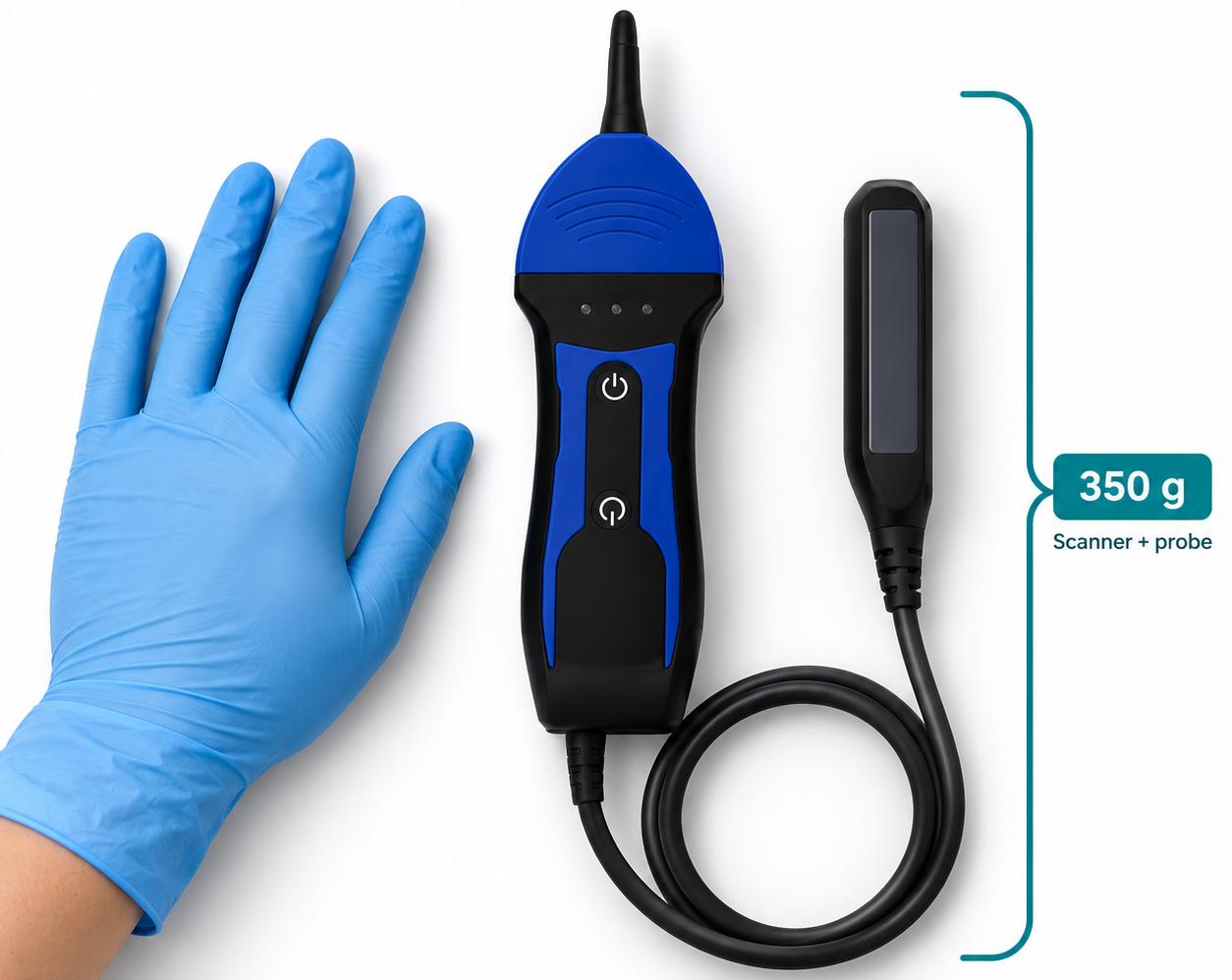
Carry the compact scanner between examination locations with the supplied case. The manufacturer-listed 350 g weight includes the probe and excludes the separate tablet and accessories.
Keep each animal’s scans together
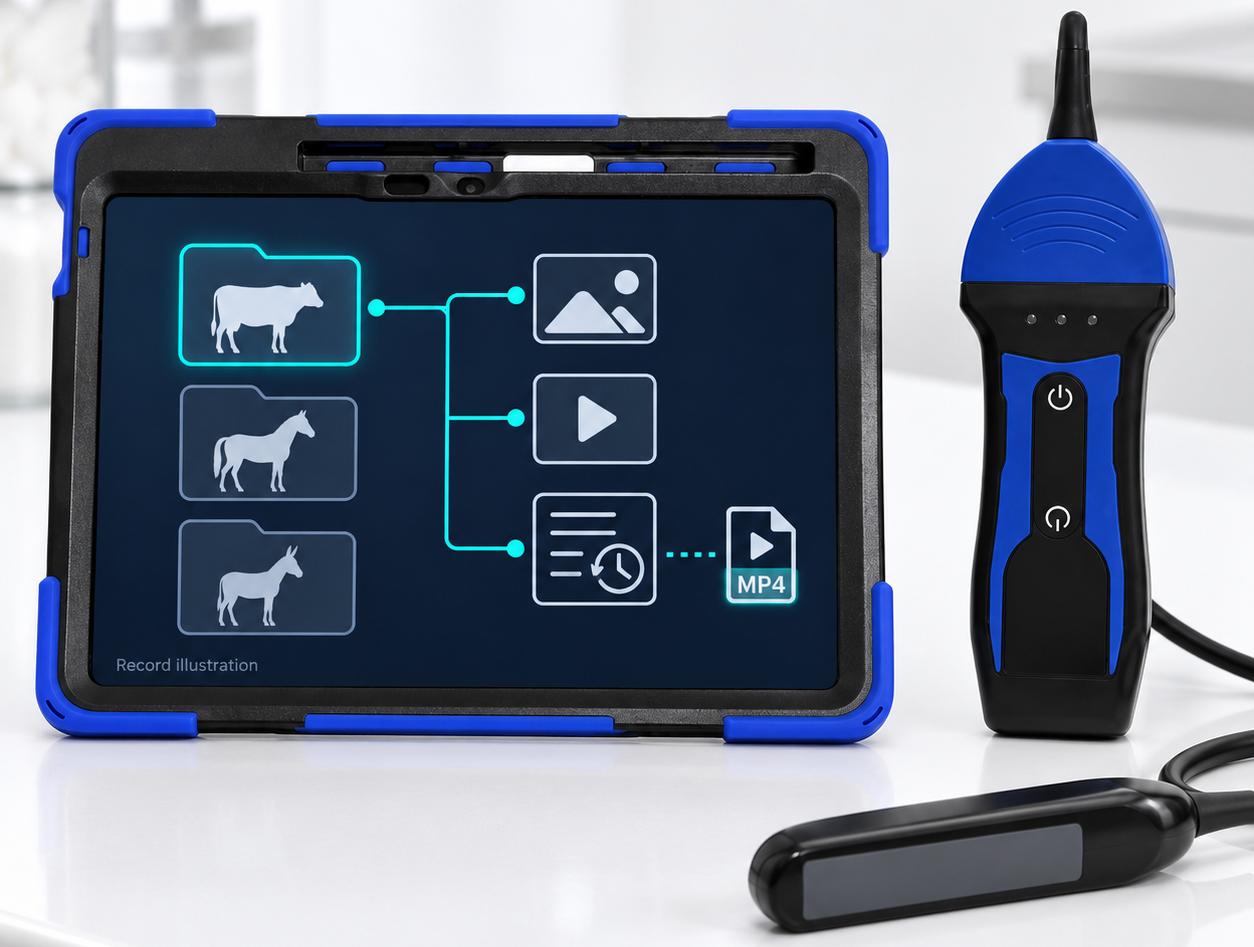
Save images and cached video clips within animal records, then retrieve previous examinations by animal ID. Export saved clips as MP4 files for local review.
Use Cases
Cattle breeding and herd checks
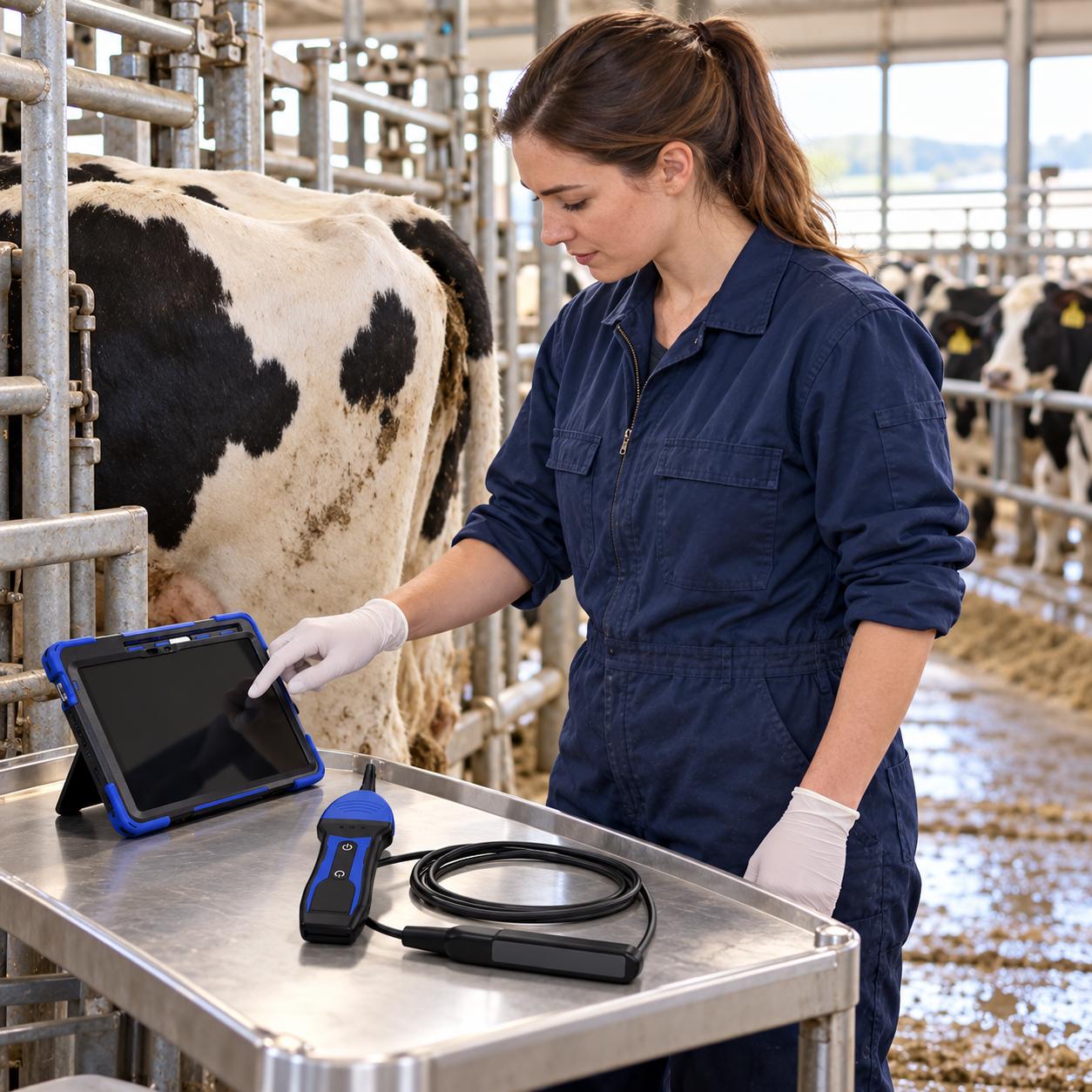
For trained operators carrying out reproductive examinations on cattle. Link each examination to an animal ID so images can be retrieved during later checks.
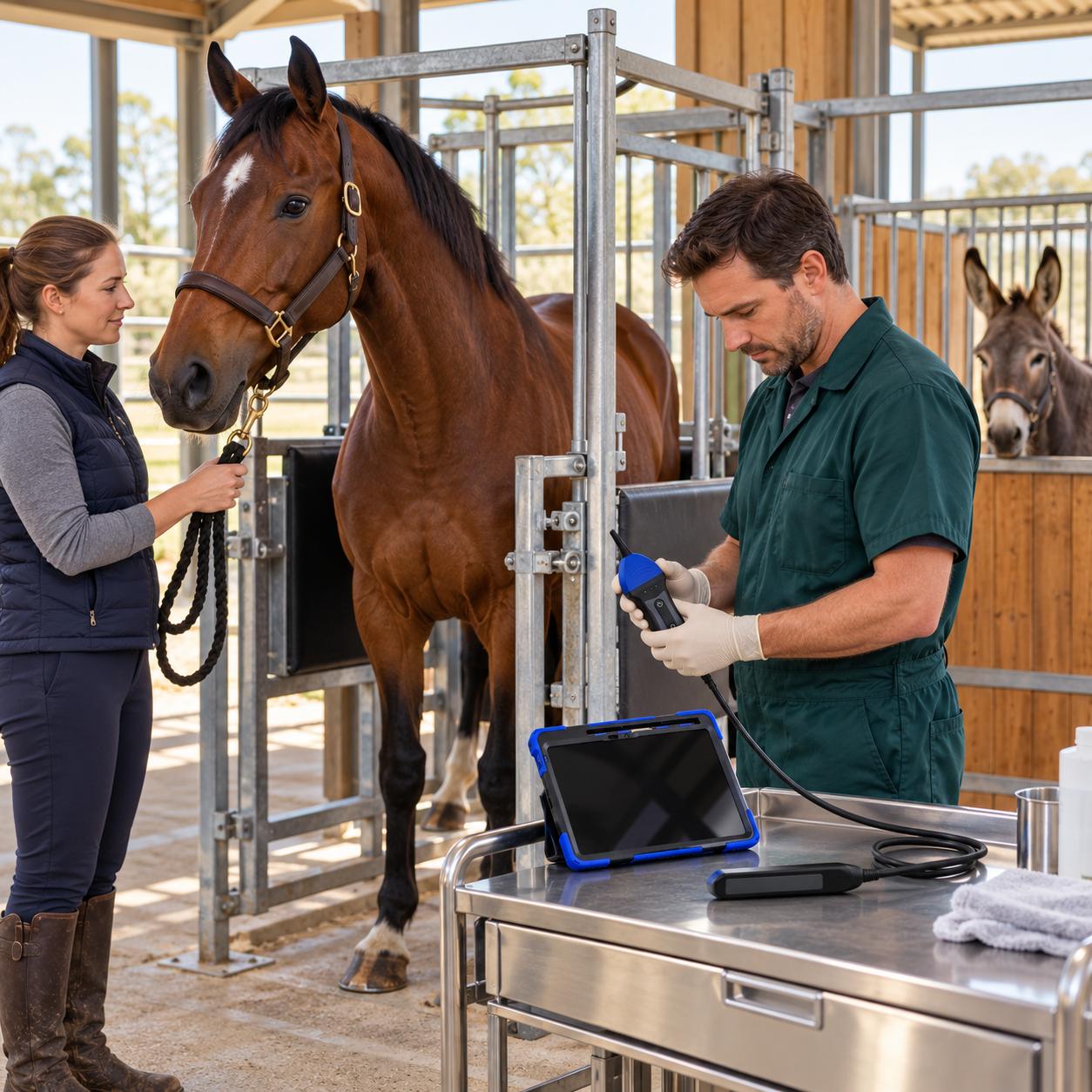
Horse and donkey breeding
For transrectal reproductive imaging with the appropriate operator and handling arrangements. The software manual also documents horse-specific obstetric measurement options.
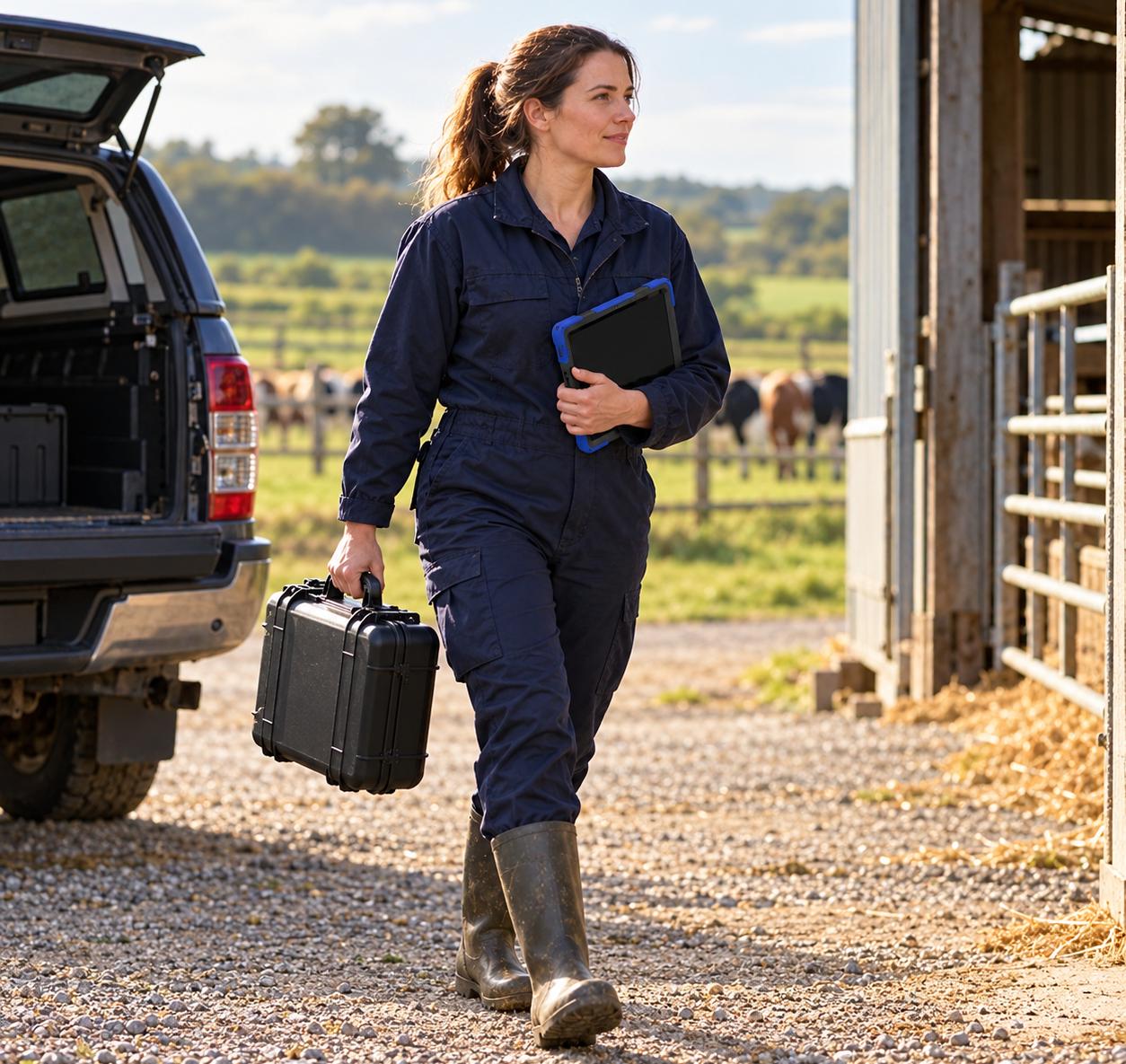
Mobile and on-farm examinations
For users moving between suitable examination areas who need a separate viewing screen and local records. Direct Wi-Fi supports scanning at locations without internet service.
Imaging Modes
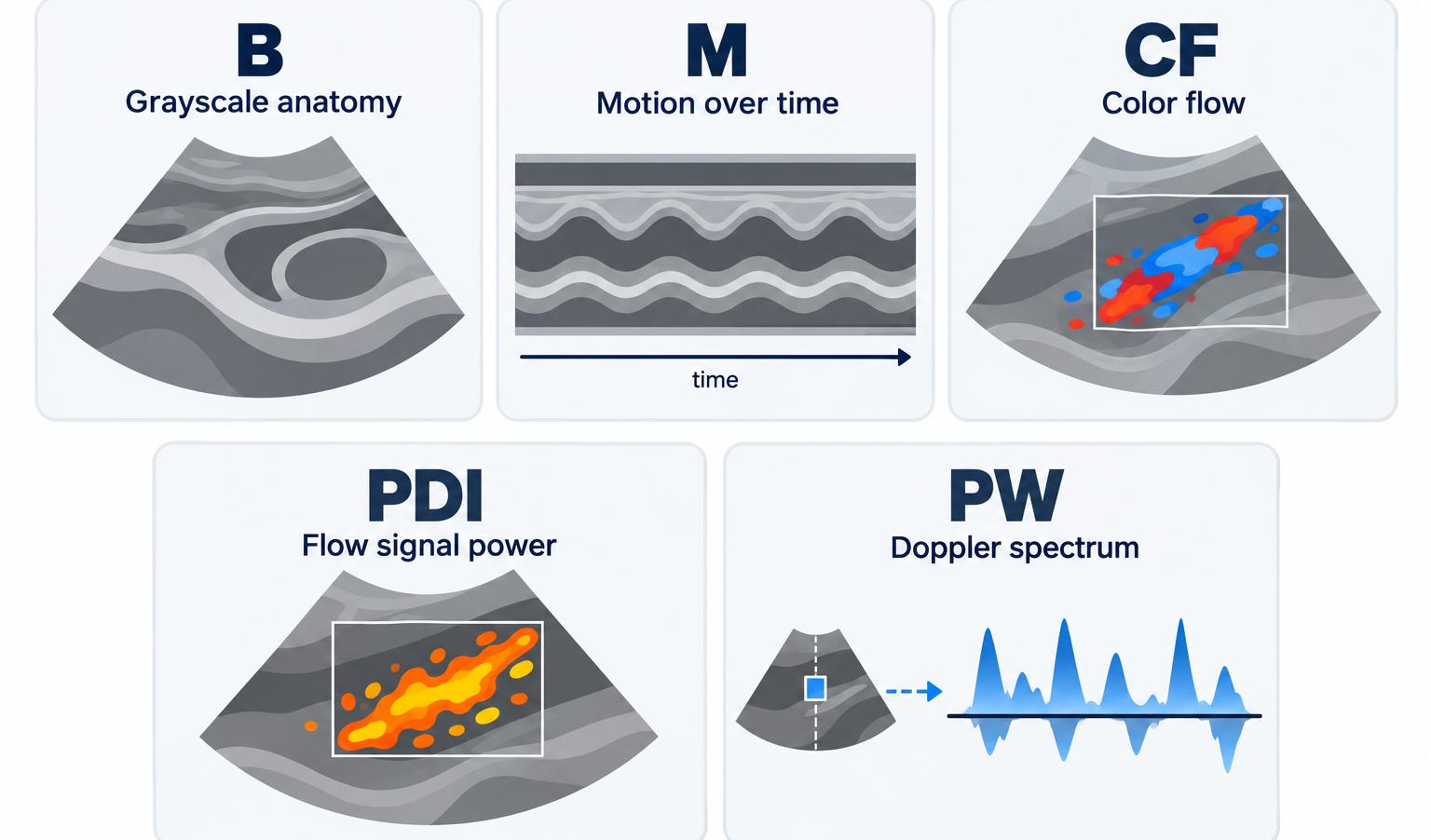
Choose the imaging mode for the information you need: anatomical structure, motion or Doppler signals. All five modes are available in this configuration.
| Mode | What it displays |
|---|---|
| B — Grayscale imaging | Displays a two-dimensional view of tissue structures. Use it as the starting view for locating the region of interest and making appropriate measurements. |
| M — Motion over time | Displays movement along a selected sampling line over time. Position the line on the structure being assessed before reviewing the motion trace. |
| CF — Color flow Doppler | Adds color-coded Doppler information within a selected region of the B-mode image. Region size, position and Doppler settings can be adjusted. |
| PDI — Power Doppler | Displays Doppler signal power within the selected region. It provides another way to visualize flow signals alongside grayscale anatomy. |
| PW — Pulsed-wave Doppler | Displays a Doppler spectrum from a selected sample location. Sampling position and settings require appropriate adjustment and professional interpretation. |
Scan Image Gallery
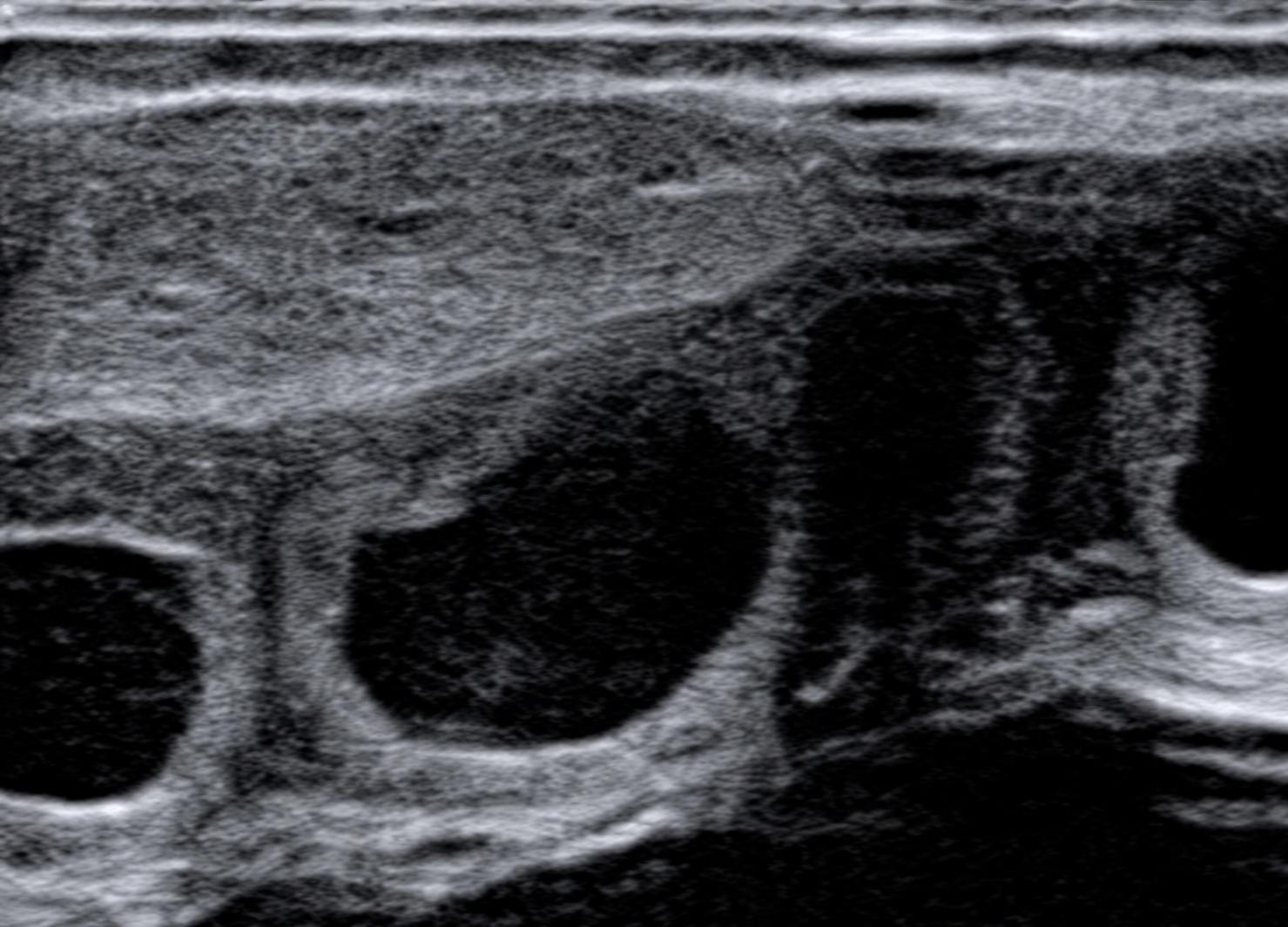
B-Mode Grayscale Imaging
View tissue structures in grayscale to locate the area of interest and guide image-based measurements.
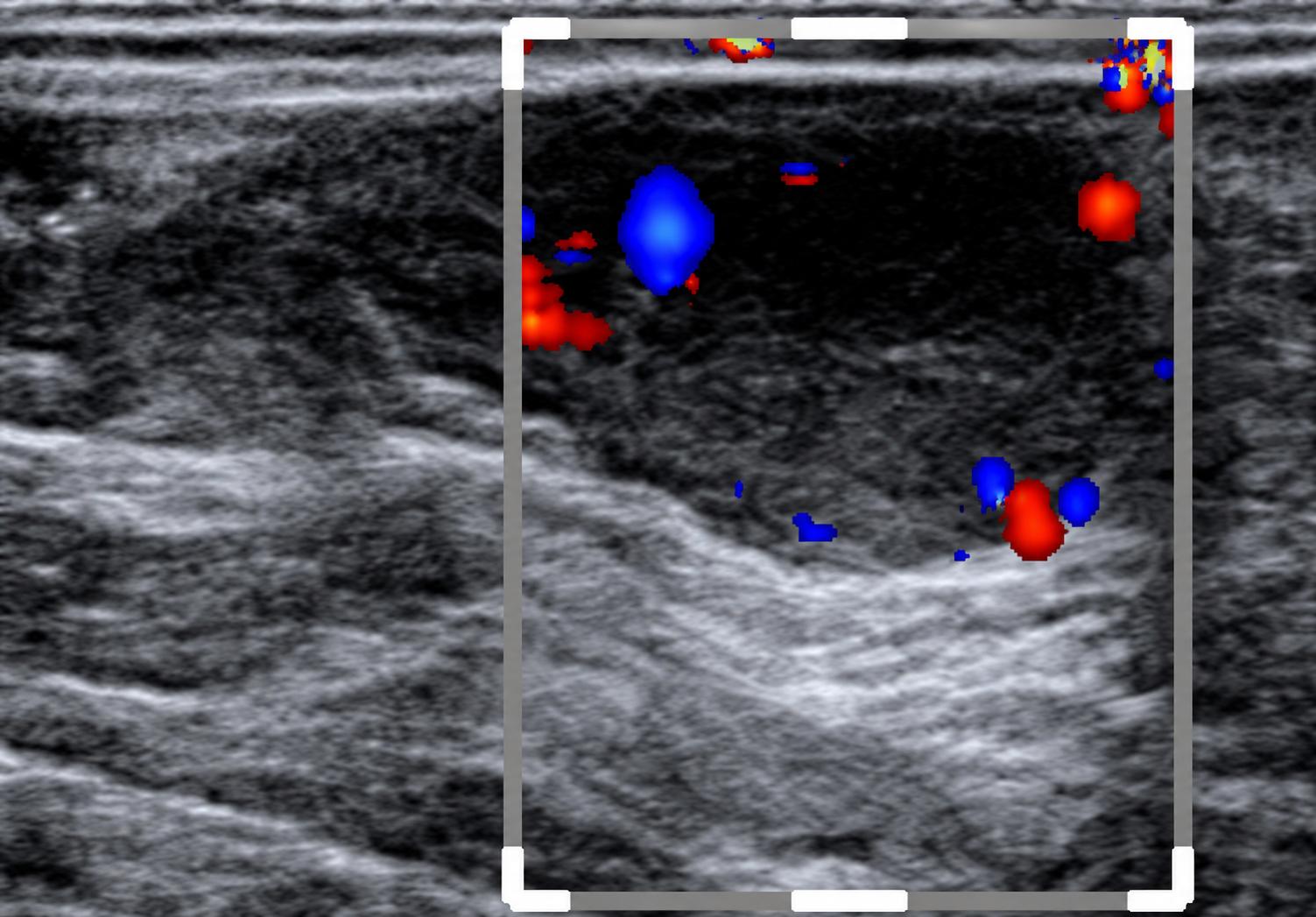
Color Flow Doppler Imaging
View color-coded Doppler signals within a selected area alongside grayscale anatomy to support blood-flow assessment.
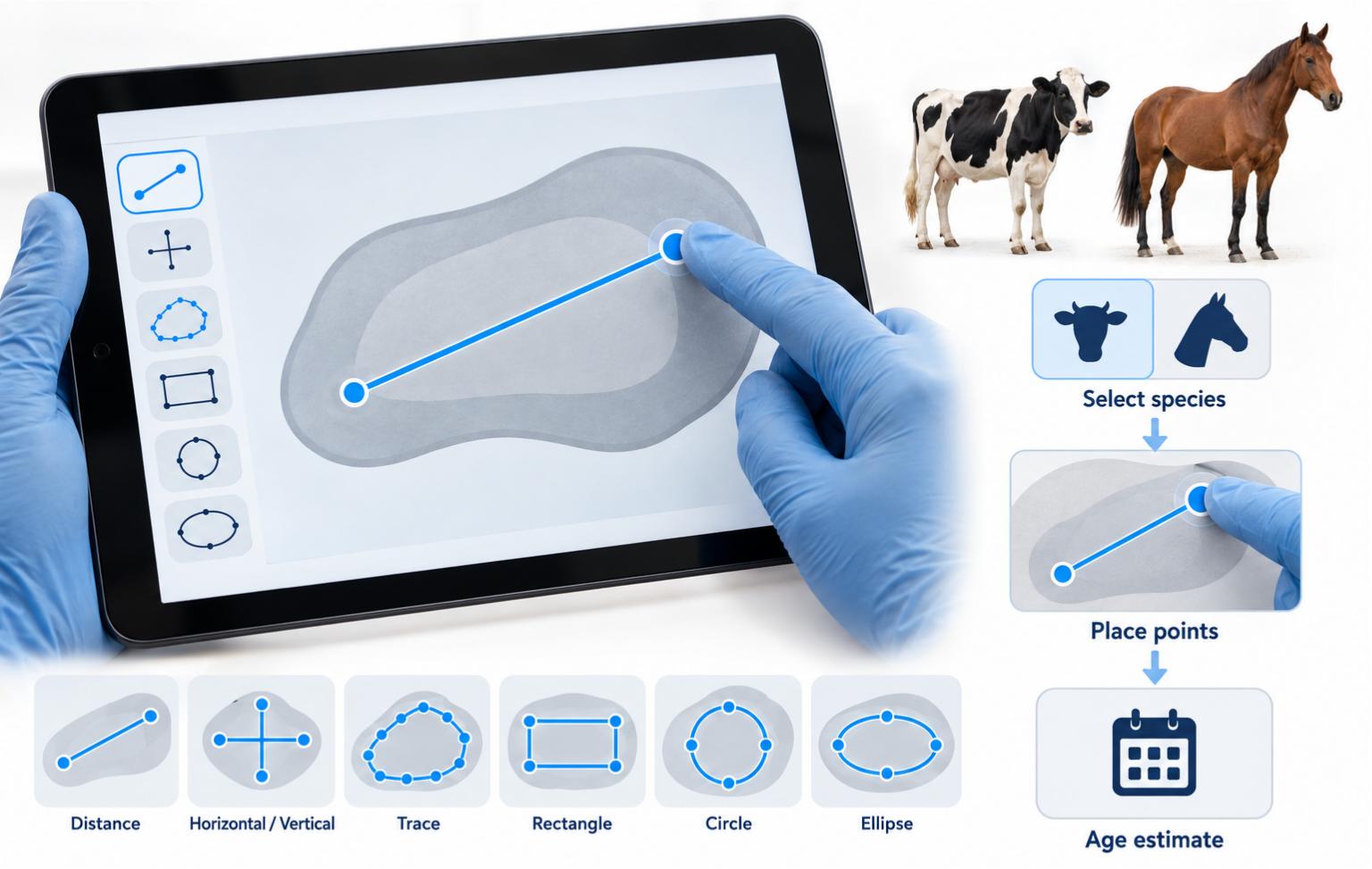
General measurements
Manually measure distances and areas using distance, horizontal or vertical distance, tracing, rectangle, circle and ellipse tools. Choose cm, mm or inches in the app settings.
Gestational age estimates
Select the animal and an appropriate obstetric measurement, place the measurement points manually, and let the software calculate an estimated gestational age from that measurement.
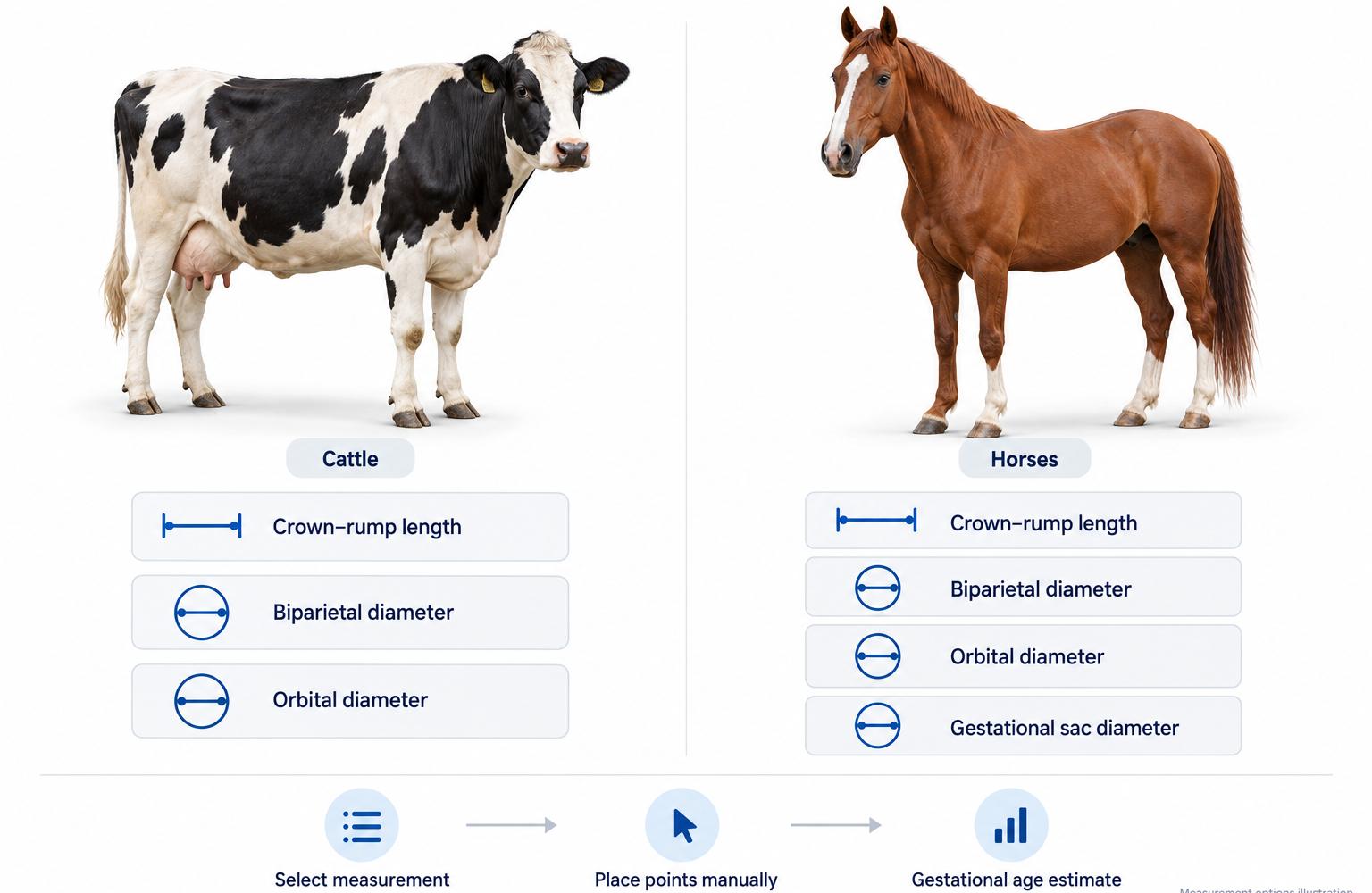
Obstetric Measurement Options
Select species-specific obstetric measurements for cattle and horses, then place the measurement points manually on the ultrasound image. Options include crown–rump length, biparietal diameter and orbital diameter, with gestational sac diameter also available for horses. The software uses the selected measurement to calculate an estimated gestational age.
Choose a measurement appropriate to the species and stage of pregnancy. Gestational age estimates depend on image quality and correct measurement placement; they do not automatically confirm pregnancy.
Display & Controls
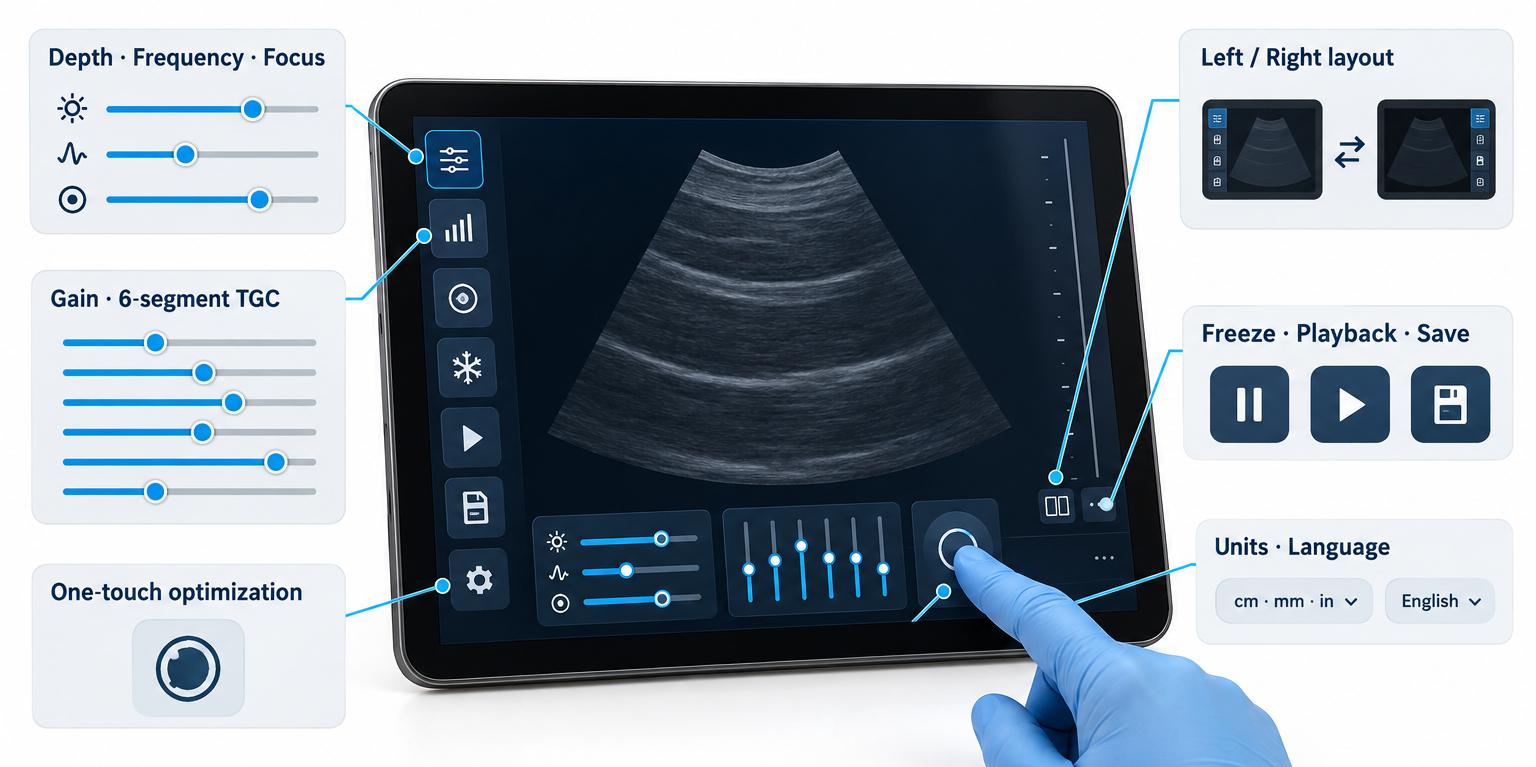
Depth, frequency and focus
Adjust the displayed depth and available frequency settings for the region being examined. Position the focus to suit the target.
One-touch optimization
Apply the image optimization function to reduce speckle and noise, then refine the controls as needed for the examination.
Left- or right-handed layout
Switch the app’s control layout for left- or right-handed use. Freeze, image saving and examination records remain accessible from the interface.
Freeze and playback
Freeze to review the cached sequence, select a frame and make measurements. Still images can be saved during live scanning or while frozen.
Units and interface language
Choose cm, mm or inches. Interface options include English, Chinese, Spanish, French, Russian and Arabic.
On-Screen Guide
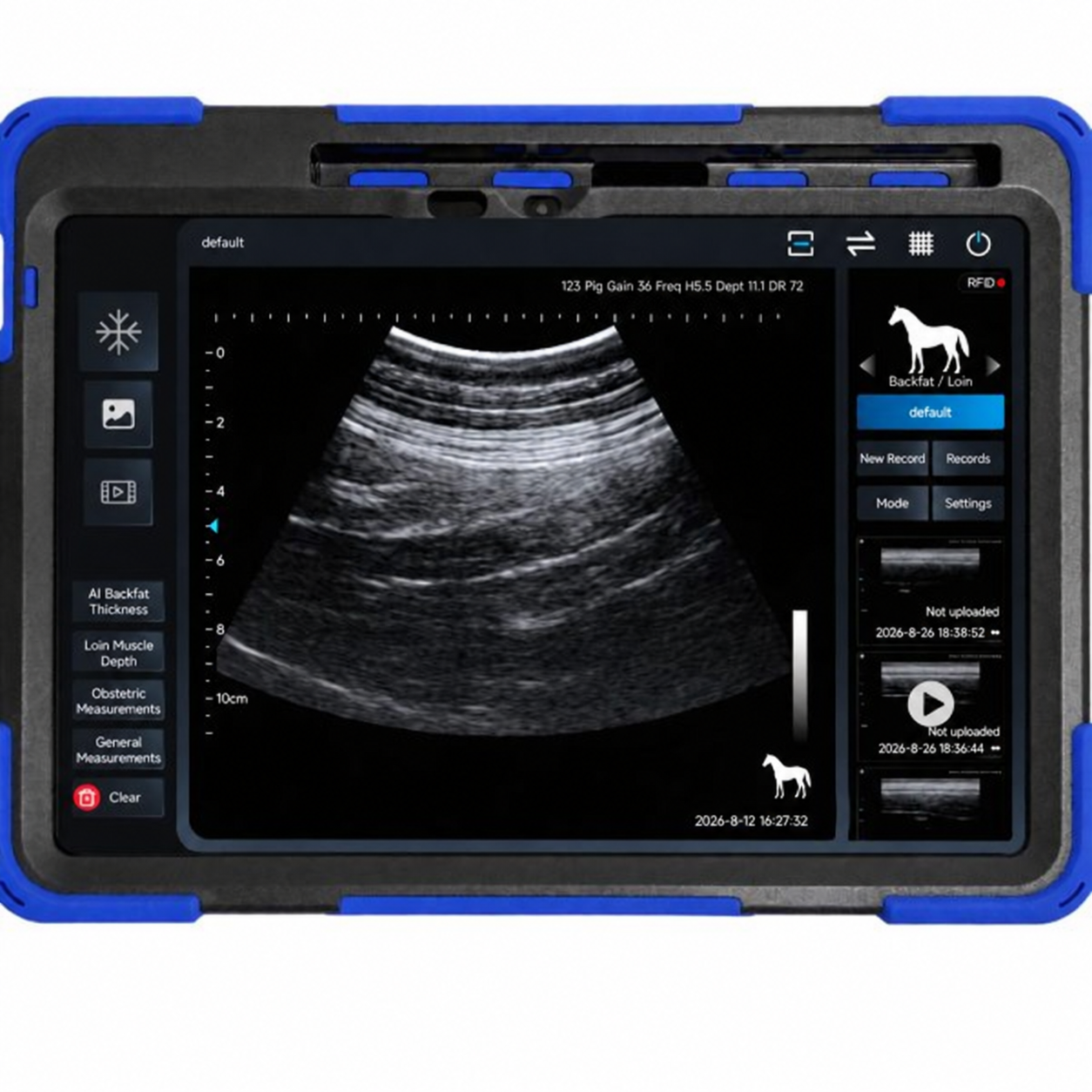
Find the animal ID, imaging parameters and scanner battery level on the main screen. Use the freeze, image-save and record controls to capture and review examination media. Video saving is available after freezing the image.
Image Adjustment
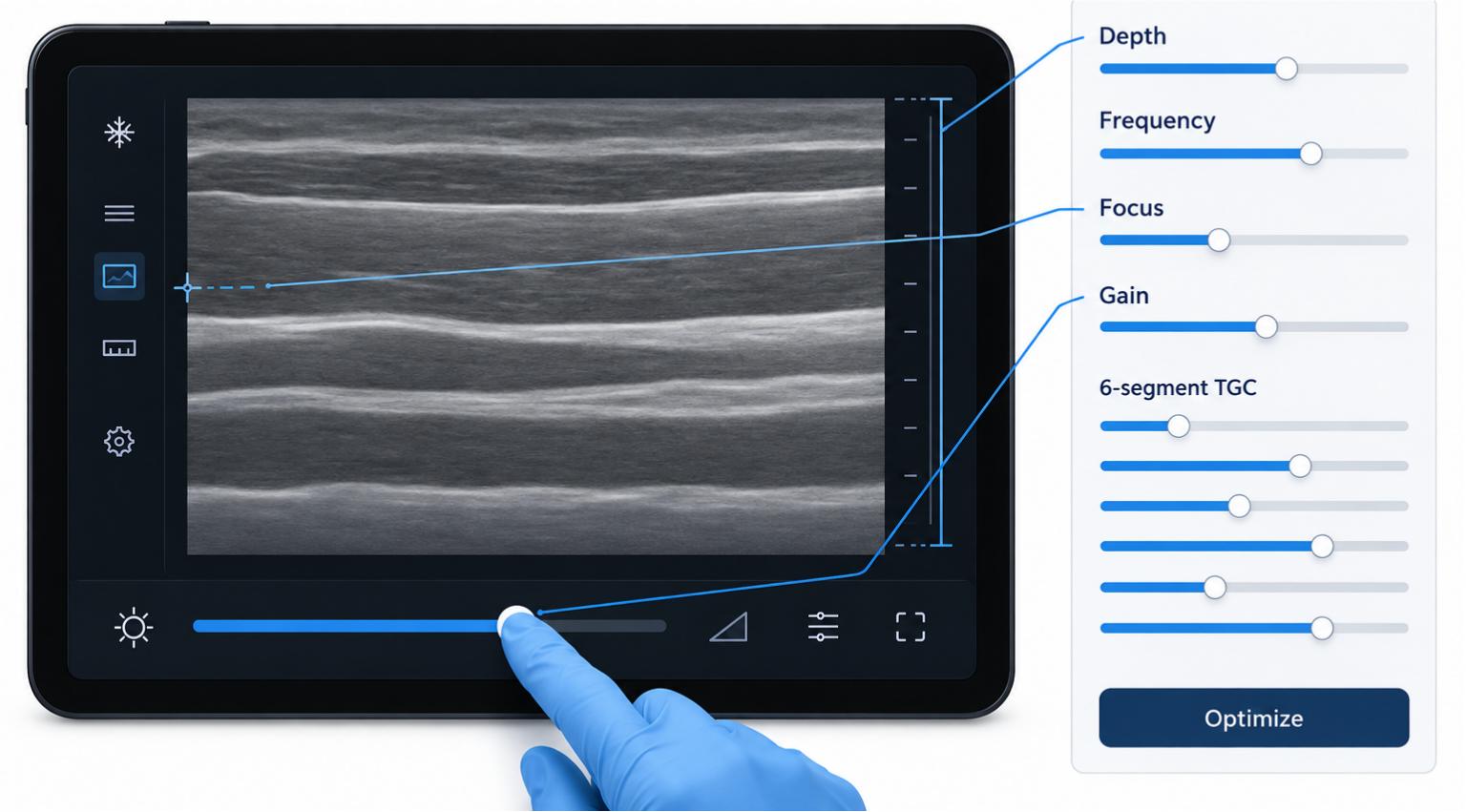
| Control | Adjustment |
|---|---|
| Overall gain | Adjust overall image brightness. |
| Dynamic range & grayscale mapping | Adjust how grayscale differences are displayed. |
| Spatial smoothing | Adjust spatial smoothing within the ultrasound image. |
| Frame averaging | Adjust processing across successive frames. |
| Image enhancement | Adjust the enhancement level to suit the view being assessed. |
| Six-segment TGC | Adjust brightness separately across image depths. |
How It Works
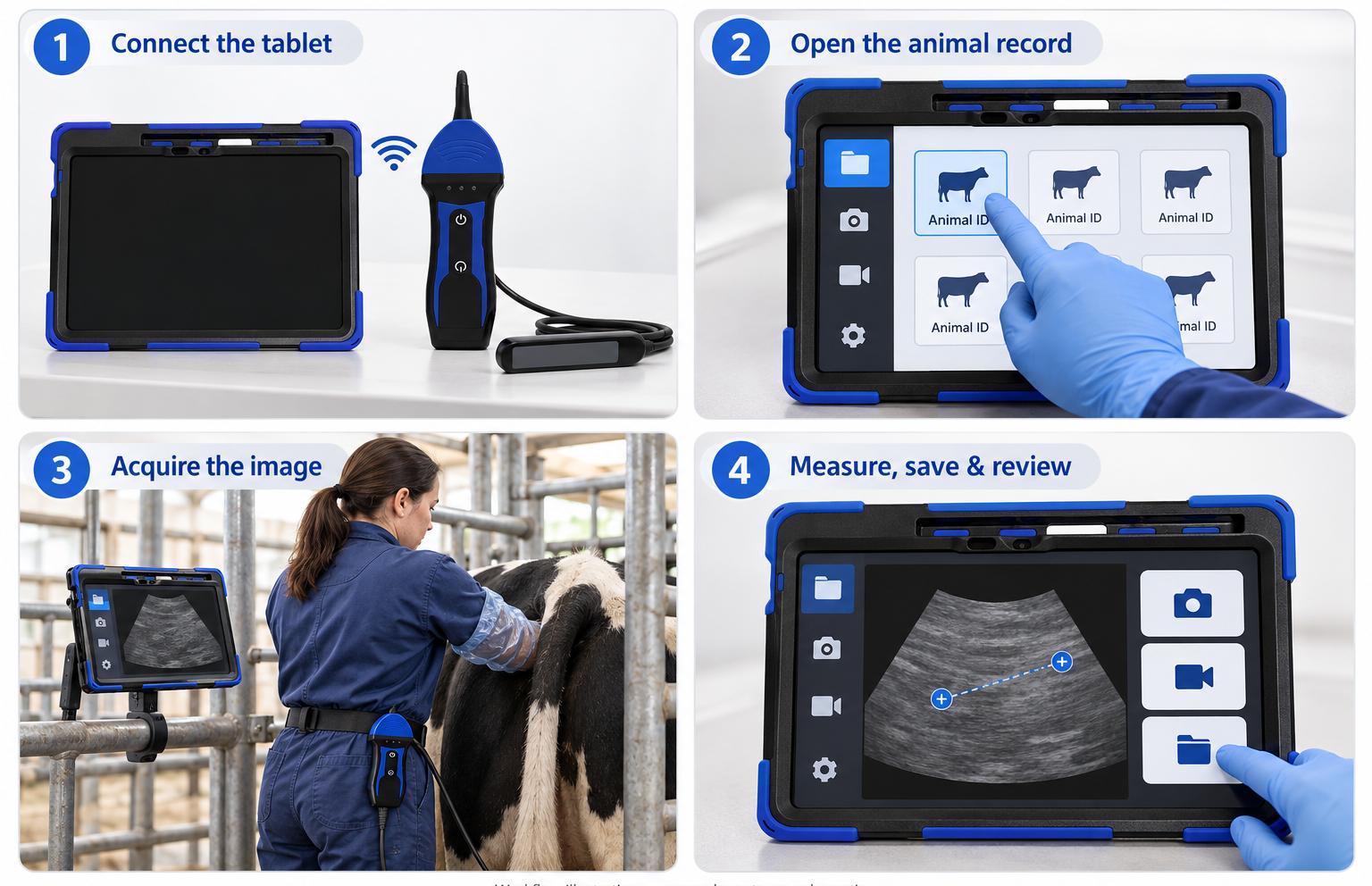
Connect the tablet
Power on the scanner and open the installed app. Follow the connection prompt or select the scanner’s network in the tablet’s Wi-Fi settings.
Open the animal record
Create a record with a unique animal ID, or select an existing record for a follow-up examination. Choose the appropriate animal and examination preset.
Acquire the image
A trained operator performs the examination with suitable animal handling. Select the imaging mode and adjust depth, focus and gain to the region of interest.
Measure, save and review
Freeze for measurement and cached video review. Save the required images or clips, then find them in the animal’s examination record.
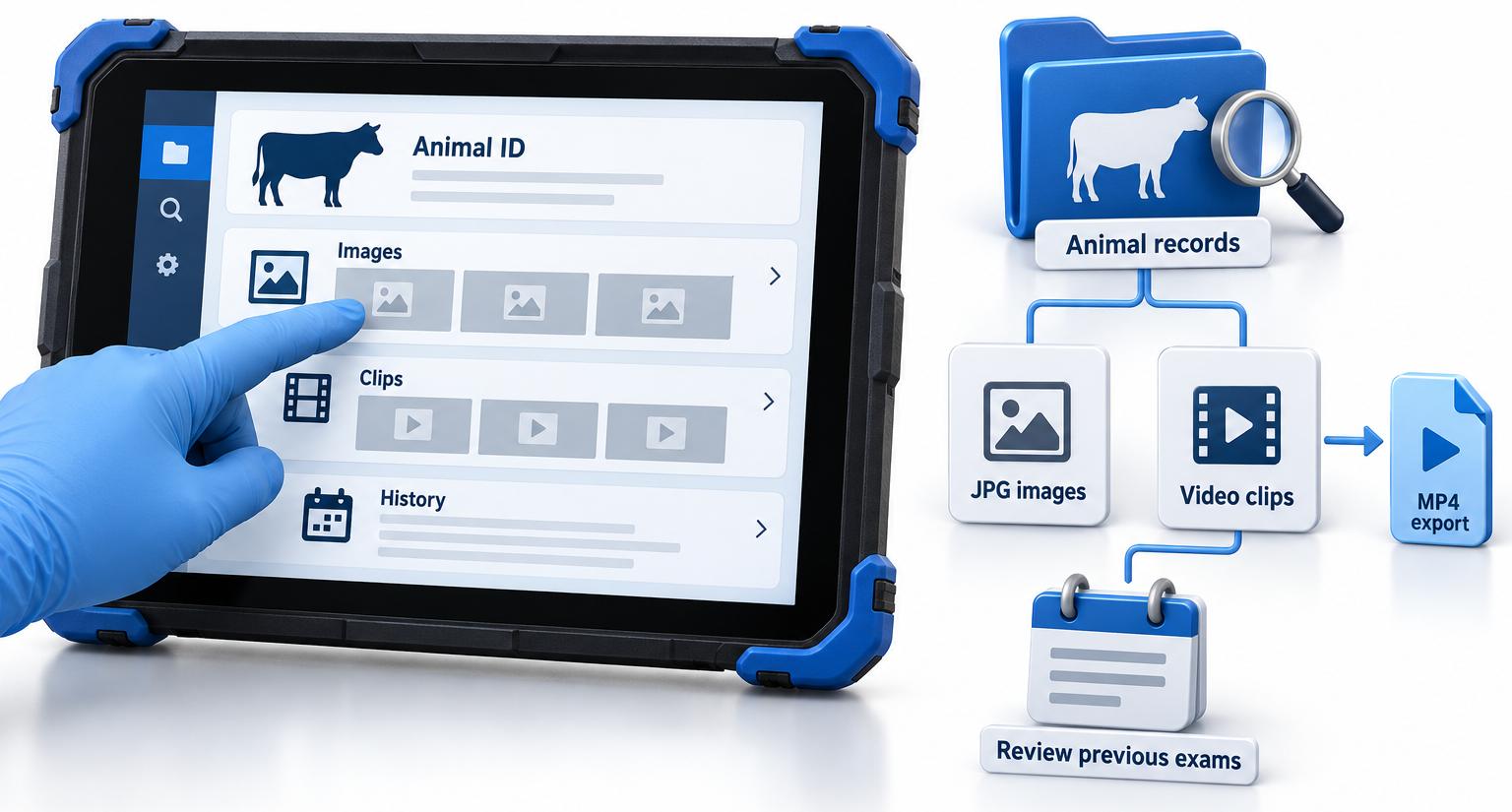
Software & Data Management
Organize ultrasound examinations by animal ID, save images and clips, and return to previous records when an animal needs a follow-up examination. The included tablet comes with the app installed and tested, with no subscription or activation fee.
Individual Animal Records
Create a record with a unique animal ID before scanning, or select an existing record for a repeat examination. Keep related images and clips together so you can find the correct animal’s examination history without searching through unrelated files.
Still Images & Recorded Clips
Save still images in JPG format during live scanning or while the image is frozen. Choose a clip duration of 3, 5, 10, 15 or 20 seconds in the app settings to retain a recorded sequence alongside individual images.
Playback & Follow-Up Review
Freeze the image to review the cached sequence and select a frame for measurement. Reopen saved examinations from the animal’s record to review earlier images and clips during follow-up assessments.
MP4 Video Export
Export recorded clips as MP4 files for playback outside the ultrasound app. This gives you a commonly supported video format for reviewing saved sequences on compatible devices or sharing them for professional review.
Offline Scanning & Local Recording
The scanner connects directly to the tablet through its own local Wi-Fi network. Internet access is not required for scanning or local recording, making the system suitable for use in barns and other locations without an internet connection.
Technical Specs
Imaging & Probe
| Specification | Details |
|---|---|
| Product type | Wireless veterinary color Doppler ultrasound system |
| Probe | Fixed rectal linear array probe, cable-connected to the scanner |
| Intended animals | Cattle, horses and donkeys |
| Examination route | Transrectal |
| Imaging modes | B, M, CF, PDI and PW |
| B-mode frequency | 8.5–10.0 MHz, adjustable |
| Color Doppler frequency | 5.0–5.7 MHz; two selectable settings |
| Maximum scan depth | 27 cm |
| Channels | 32 |
| Time gain compensation | Six-segment TGC |
| Grayscale levels | 256 |
Display, Software & Storage
| Specification | Details |
|---|---|
| Included display | Tablet with the app installed and tested |
| Wireless connection | Direct scanner-to-tablet Wi-Fi; no internet required for scanning or local recording |
| Listed operating systems | Android and Windows; compatibility with separately supplied devices requires verification |
| App fees | No subscription or activation fee |
| Measurement units | cm, mm and inches |
| Animal records | Organize and retrieve examinations by animal ID |
| Still-image format | JPG |
| Video export format | MP4 |
| Storage | Local tablet storage |
| Selectable clip lengths | 3, 5, 10, 15 or 20 seconds; saved from the cached sequence after freezing |
| Automatic freeze settings | 1, 2, 3, 5 or 10 minutes, or never |
Size, Power & Protection
| Specification | Details |
|---|---|
| Scanner dimensions | 198 × 70 × 28 mm (L × W × H) |
| Scanner weight | 350 g including the probe; excludes tablet and accessories |
| Scanner battery | Built-in rechargeable lithium battery |
| Rated scanner runtime | 5 hours, manufacturer-rated; actual runtime varies with settings and operating conditions |
| Scanner charging | Magnetic charging |
| Rated scanner input | DC 5.0 V, 2 A |
| Adapter mains input | 100–240 V AC, 50–60 Hz, 0.4 A |
| Tablet charging | USB-C |
| Ingress protection | Manufacturer-specified IP67 for the scanner and probe; do not immerse. Does not apply to the tablet. |
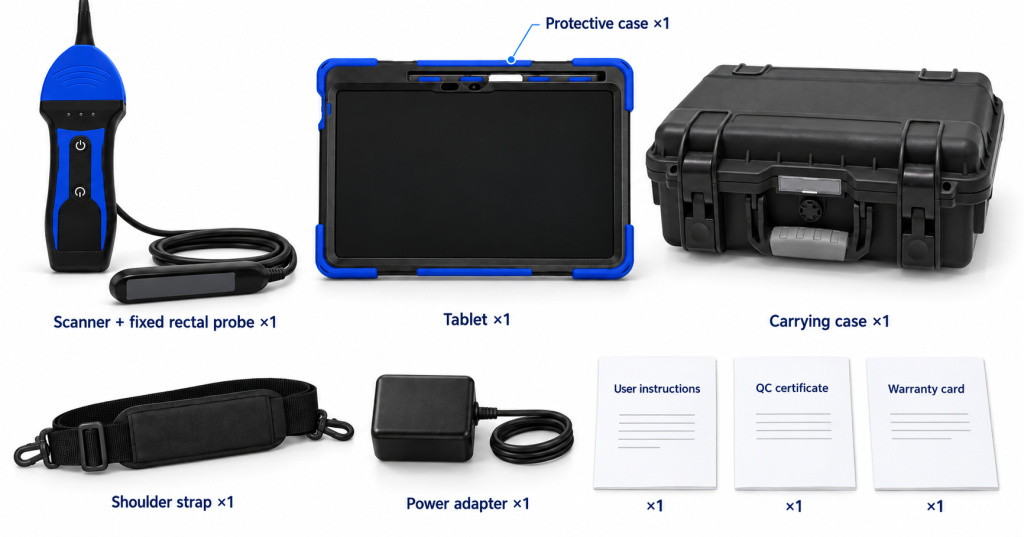
What’s in the Box
Safety & Care
Safe Handling & Routine Care
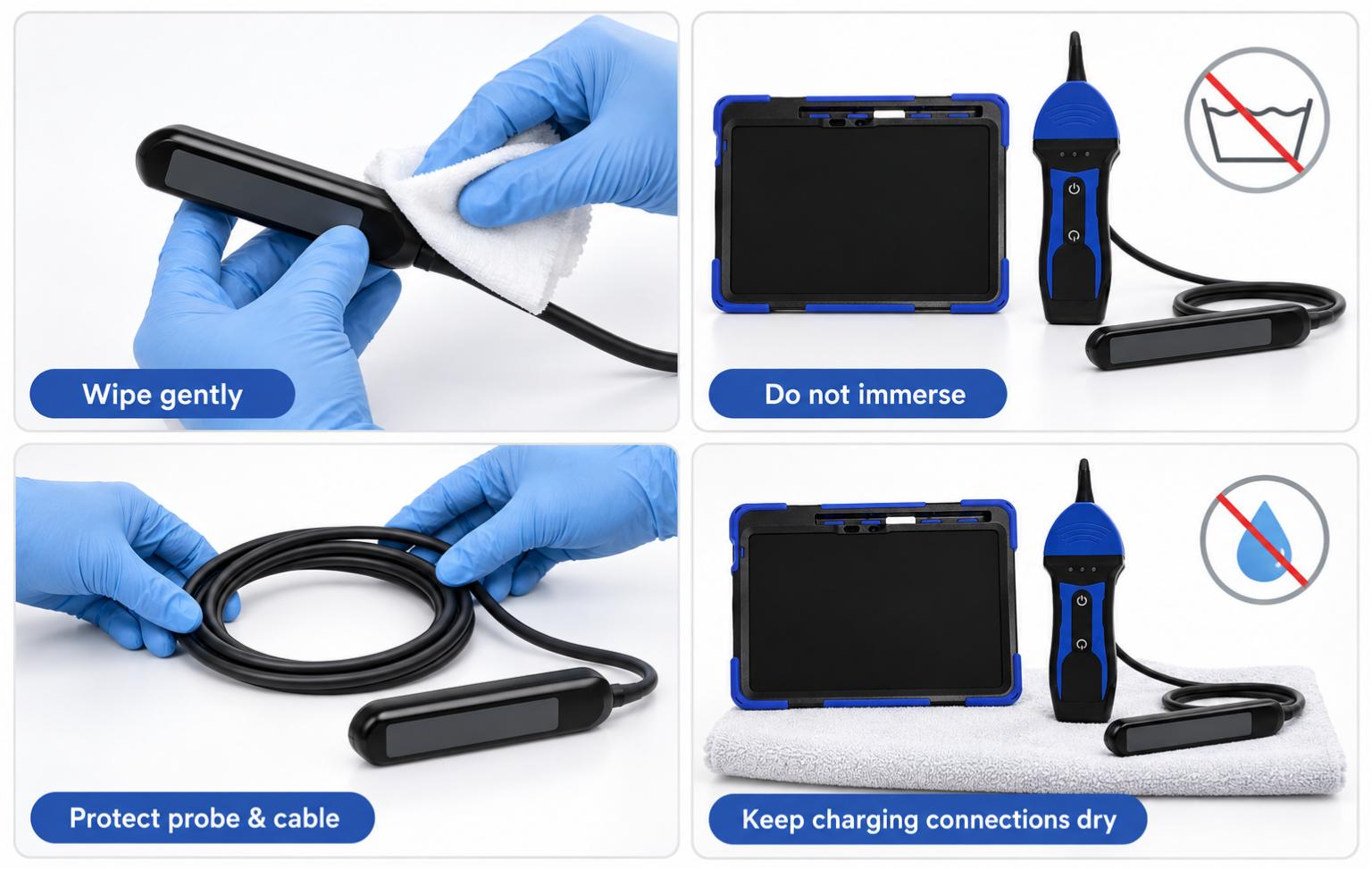
Use the system with appropriate training in transrectal scanning, ultrasound interpretation and animal handling. After use, clean the probe as directed in the supplied instructions and wipe equipment surfaces with a soft, damp cloth; do not immerse the equipment. Use only cleaning and disinfection methods confirmed as compatible with the probe. Protect the probe and cable from impact, pulling and sharp bends, keep charging connections dry, and use the supplied power equipment.
Troubleshooting
Connected, but no live image
Check that the scanner is powered on, the tablet is connected to the correct scanner Wi-Fi, and the image is not frozen. Reconnect through the app if necessary.
The video save button is unavailable
Freeze the image first. The software saves the cached sequence while frozen; the video save control is unavailable during live scanning.
A saved clip is not in the tablet gallery
Open the animal’s examination record in the app. Select the saved clip and use the MP4 conversion option to export a local video file.
The image is too bright, dark or poorly framed
Check depth, focus and gain for the intended region. Apply one-touch optimization, then make further adjustments in line with the examination and operator training.
FAQ
This fixed rectal linear configuration is intended for transrectal reproductive examinations in cattle, horses and donkeys. It is not intended for cat, dog, pig or sheep examinations.
No. This kit includes one scanner with one permanently attached rectal linear probe. The probe cannot be exchanged for another probe type.
The scanner-to-tablet connection is wireless. The rectal probe remains connected to the scanner by a cable. Internet access and an external router are not required for scanning.
Yes. The kit includes a tablet with the app installed and tested before shipment, plus a protective case. Charge the equipment and follow the connection instructions before starting an examination.
Use the included, configured tablet for the supplied setup. Android and Windows are listed as supported platforms, and an Android installer is available. Check the app’s requirements before using your own device.
There is no app subscription or activation fee. Direct Wi-Fi connects the scanner and tablet, and scanning and local recording can be performed without internet access.
The operator assesses the ultrasound image. The system provides imaging and measurement tools to support that assessment. For supported obstetric measurements, the operator places measurement points and the software calculates an estimated gestational age.
There is no single guaranteed detection day for this configuration. Suitable timing depends on the animal, examination route, image quality and operator experience. Plan the examination with an appropriately trained veterinary professional.
Yes. Still images are saved as JPG. Freeze the image to save a cached clip, then use the MP4 conversion option in the examination record to export the saved video. Clip length options are 3, 5, 10, 15 and 20 seconds.
The supplied technical specification lists a 5-hour scanner runtime. Actual runtime depends on operating settings and conditions. This rating does not describe the separate tablet’s battery life.
No. The supplier specifies IP67 for the scanner and probe but instructs users not to immerse the equipment. Clean the probe as instructed and wipe other surfaces with a damp cloth. The scanner’s protection rating does not apply to the tablet.
Ultrasound gel is not included. This kit contains one scanner with its fixed rectal linear probe. See the itemized box contents for the tablet, protective case, strap, adapter, documents and carrying case.
Reviews (0)
Be the first to review “Wireless Veterinary Ultrasound with Color Doppler for Cattle and Horses”
You must be logged in to post a review.
Related products
Reviews
There are no reviews yet.